Tayli™ Move · iPhone
A running, walking and cycling tracker that gives you the map, the splits and the records — without an account, an ad, or a subscription standing between you and your own history.
Coming to the App Store soon. Requires iPhone with iOS 18 or later.
A look at it
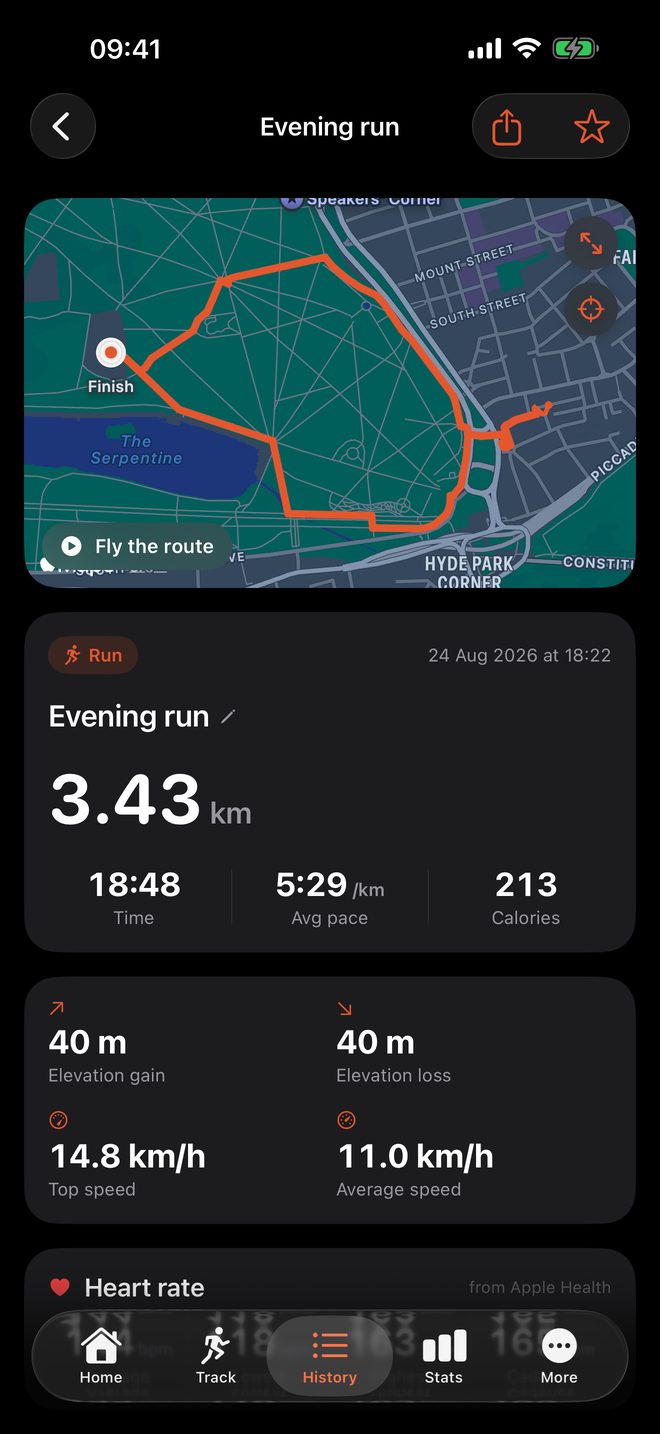
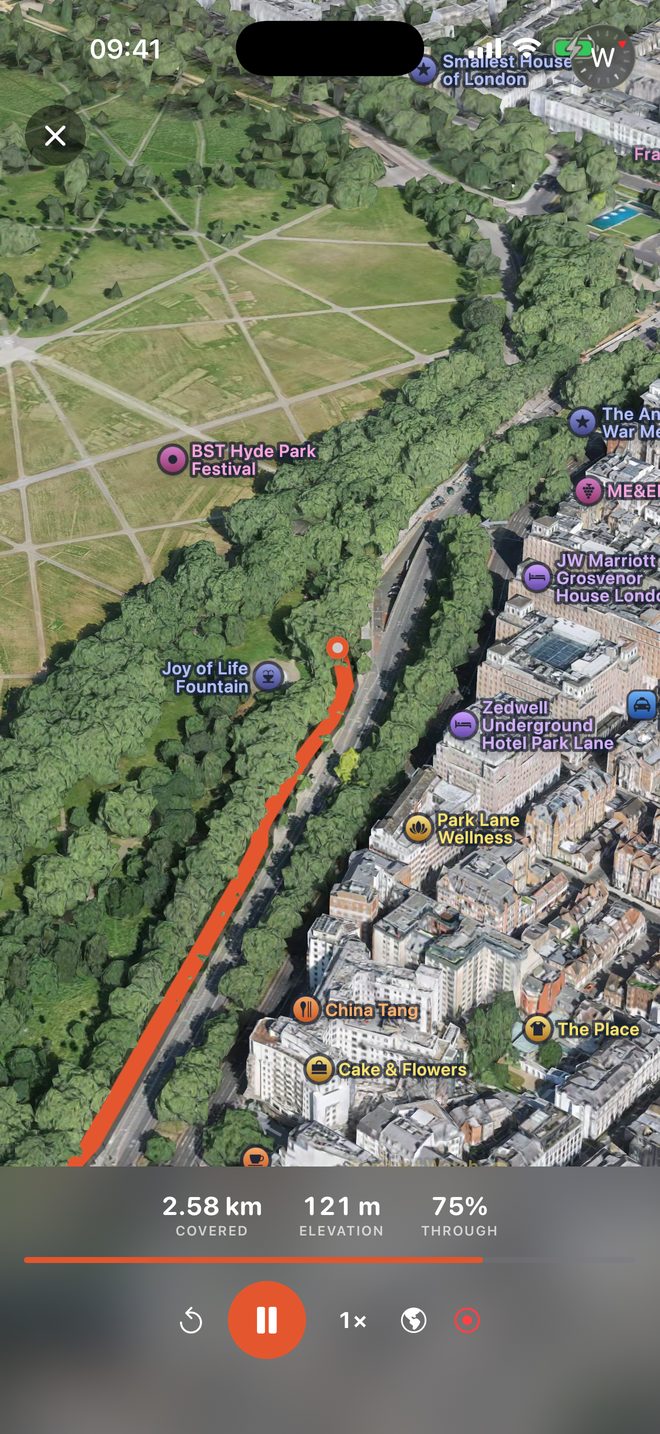
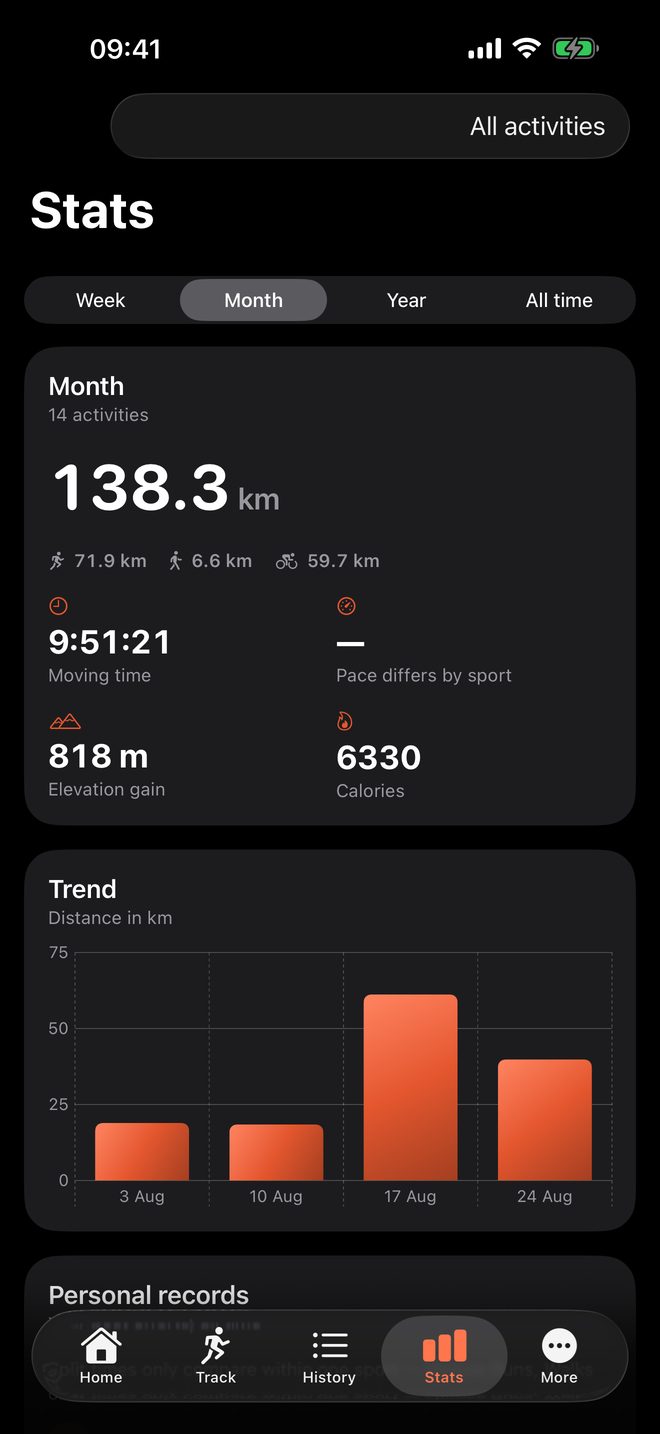
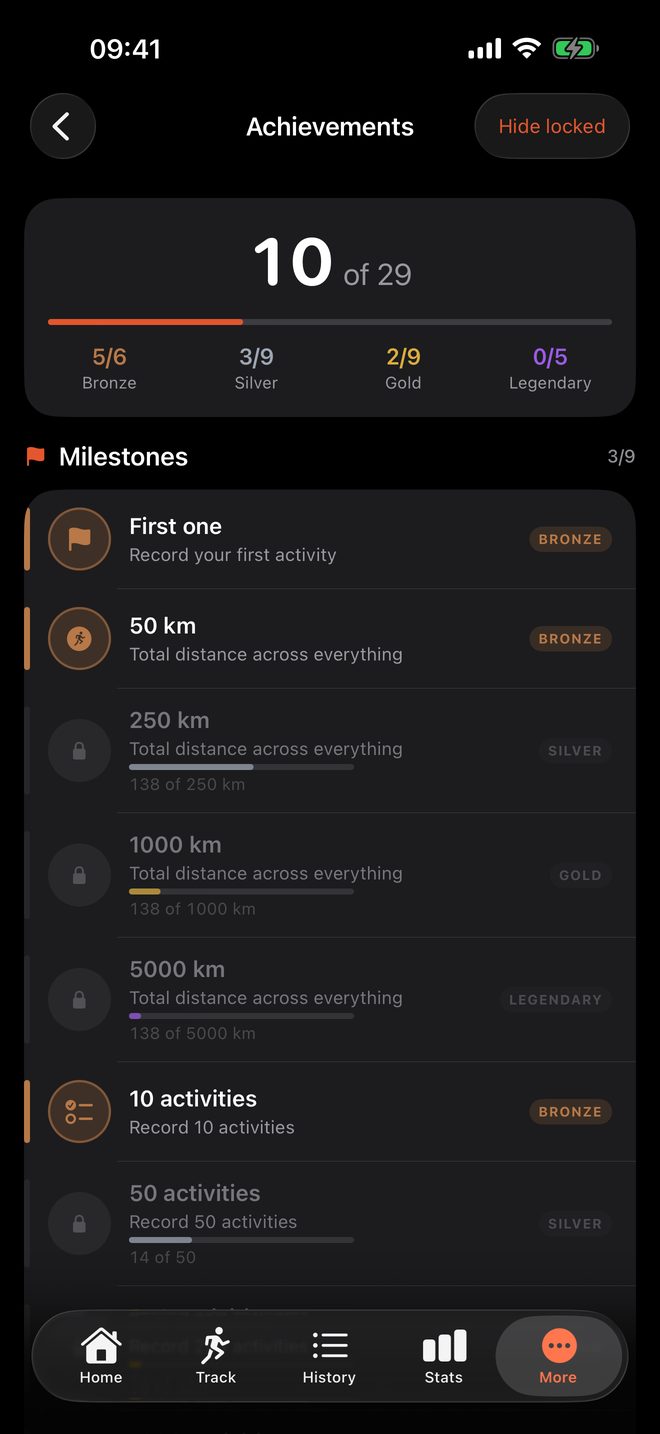
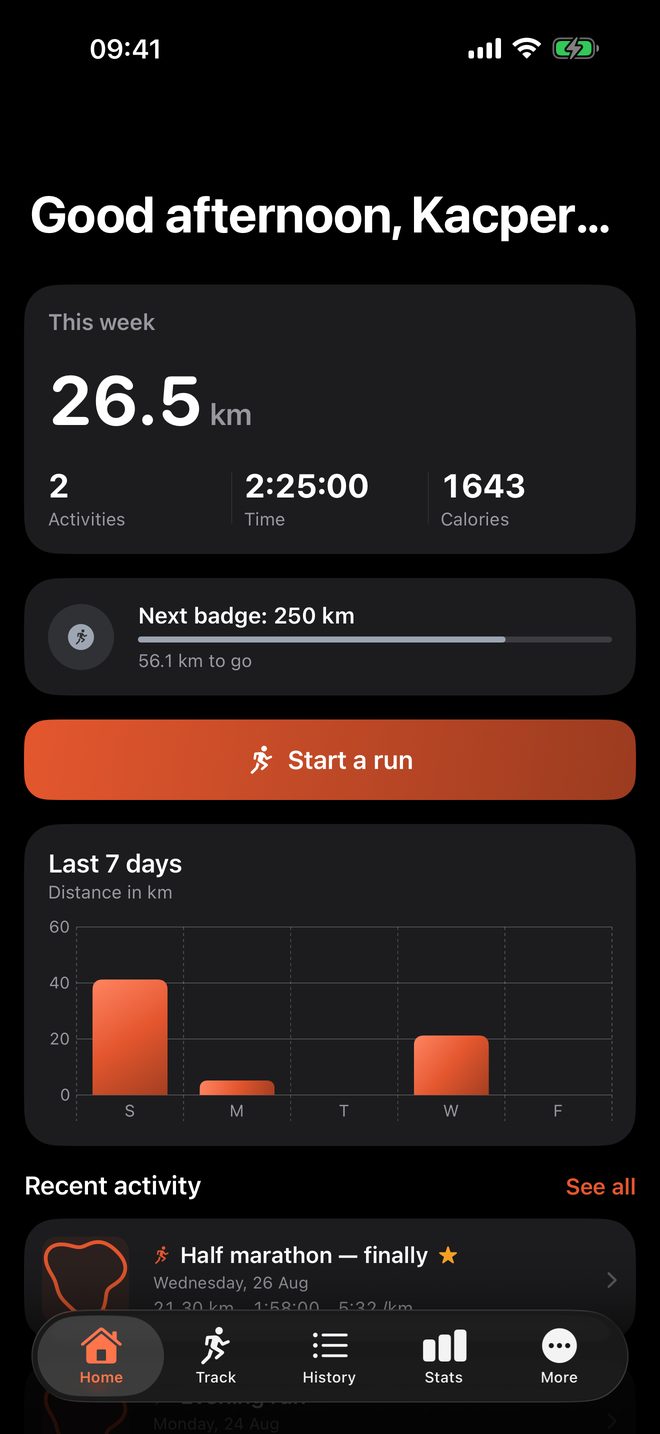
Not mock-ups. These are screenshots, on a real route through Hyde Park.
Features
Everything below is in the app today — not planned, not premium.
The map follows you as you move and draws your actual route, filtered for GPS jitter so the line matches the road you ran, not the noise. Pan away and a re-centre button appears.
Three activity types, each with the metrics that suit it — pace for running and walking, speed for cycling — and calorie estimates tuned per activity.
Stop at a crossing and the timer stops with you, then picks back up when you do. Pauses are real gaps in your route, not straight lines drawn across them.
Per-kilometre or per-mile splits, an elevation profile measured with the barometer rather than GPS guesswork, average and maximum speed, and calories.
Fastest 1K, 5K and 10K, longest distance, biggest climb — found automatically across your whole history. Plus weekly totals and day streaks.
Put your route on a real map, on a background you unlocked, or on nothing at all — a transparent PNG shaped for a story, so it sits over your own photo. Four shapes, four map styles, your own trail and text colours, and six one-tap templates for when you just want to post it.
Watch the run again from above, over real terrain and real buildings — the hill you climbed looks like a hill. Steer the camera mid-flight, or record the whole thing to a video without leaving the app.
Distance, time and pace in the Dynamic Island and on the Lock Screen, so checking how far you have gone does not mean unlocking anything.
Draw a circle around home. Anything inside it is cut from share cards, flyovers and exported files — while your own history keeps the whole route, because hiding your data from yourself protects nobody.
Challenges scaled to your own last four weeks, not to a stranger's. Win them and earn sparks, and spend those on backgrounds for the app. Nobody else sees any of it — the only person you are measured against is you.
Steps per minute from the phone itself, and heart rate picked up from whatever your watch already wrote to Health.
Bring a run in from Strava, Garmin or Komoot, and send any of yours back out the same way. Leaving is a feature, not an oversight.
Star the activities that meant something, filter by type, and browse your best efforts in one place.
Home screen and lock screen widgets showing this week's progress — and they follow the accent colour and light/dark setting you picked inside the app.
Optional voice updates at each split, ducking your music instead of stopping it.
Activities save to Health as real workouts with the route attached — so the Fitness app shows your map too, not just a number.
Any activity as a GPX file that Strava, Garmin or anything else can import, and your entire history as one backup file you can restore onto a new phone.
An in-progress activity is checkpointed continuously. If your phone dies mid-run, the app offers it back when you reopen it.
The catch
Tayli Move has no servers, so it costs almost nothing to run. There's no account system to maintain, no storage bill that grows with every user, no infrastructure that needs a subscription to pay for it. Your activities live in your phone's own storage and in Apple Health.
That's also the honest trade-off: because there's no server, there's no social feed, no leaderboard, and no automatic sync between devices. If you want your history on a new phone, you export a backup file and restore it. That's a deliberate choice — it's what keeps the app free and keeps your location history off anyone else's computer.

